IDT 7120 Tools for Online Learning Creation and Assessment challenged me with using an authoring tool for the first time. This learning object (LO), created using Articulate Storyline 360, served several purposes. First, I discovered the power of branching scenarios to solve problems, and I learned how to develop a learning object using Articulate Storyline 360. Not only did I learn how to successfully use the technology, but I was able to embed the LO in a Canvas course Train-the-Trainer series that I created for individuals on my team who are tasked with training. After doing a needs assessment, I identified the problem. The individuals tasked with training are college recruiters. They were approaching team training as they were “trained” with PowerPoint presentations that left them glossy-eyed and overwhelmed with lots of information. The learning object places the learner into a scenario where they must make best-practice PowerPoint training decisions to advance from one slide to the next.
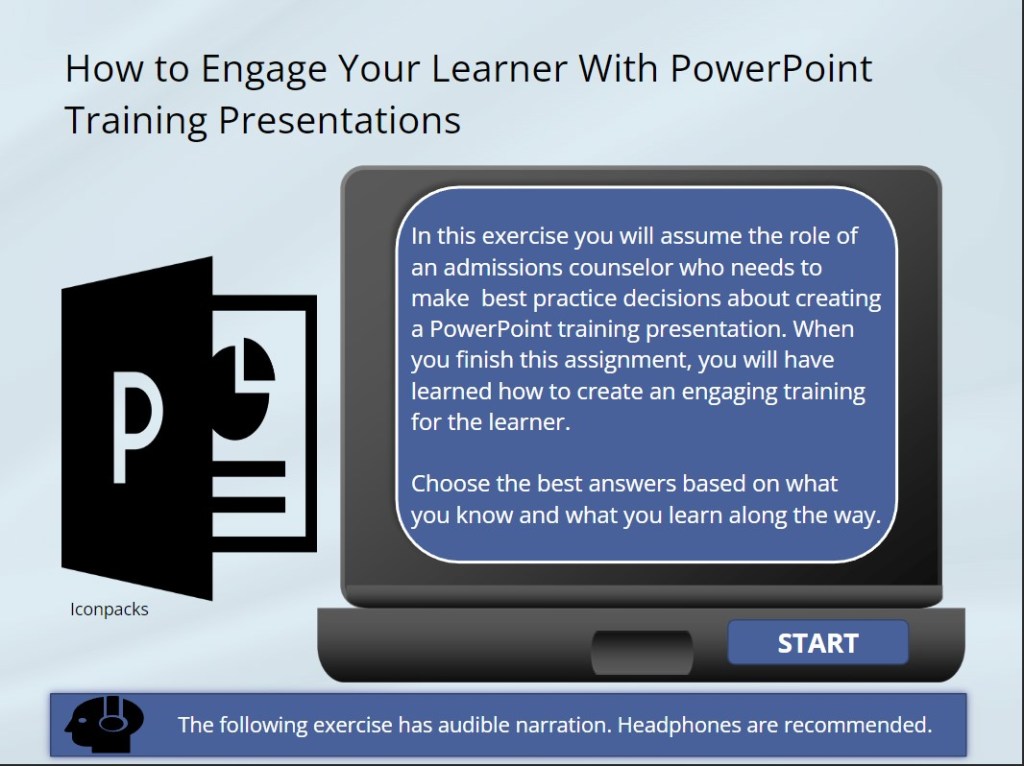
Using Storyline challenged my technology skills as I learned to develop a learning object using industry- standard resources (Twine and Articulate Storyline), I focused on supporting UDL in addition to content development within the LO. By the end of the course, I achieved my goals to help learners see the difference between slides for PowerPoint presentation and PowerPoint training. I attribute the LO for allowing the learner to develop their understanding.
Click on start in the image above to begin the exercise, or see the sample images below of the LO
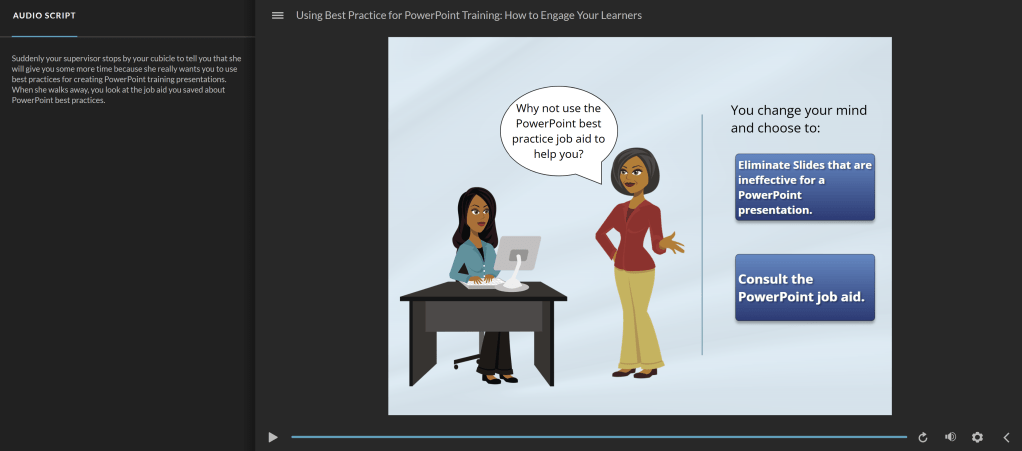
Image of audio script and LO screen
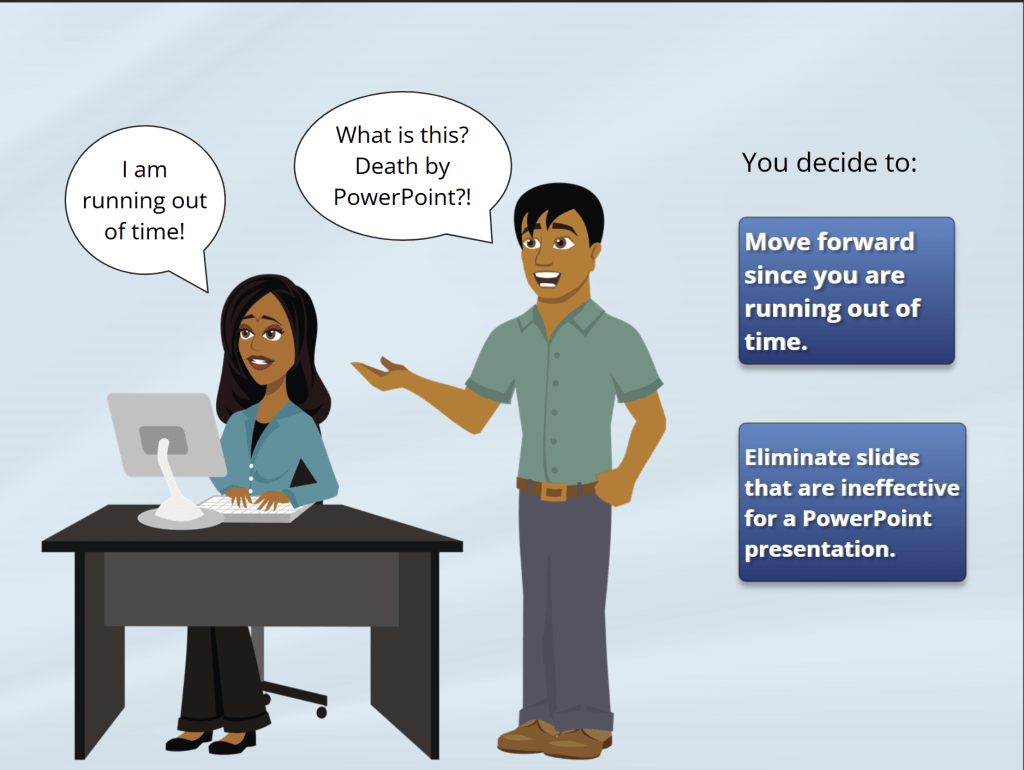
Main character/user gets advice from another character
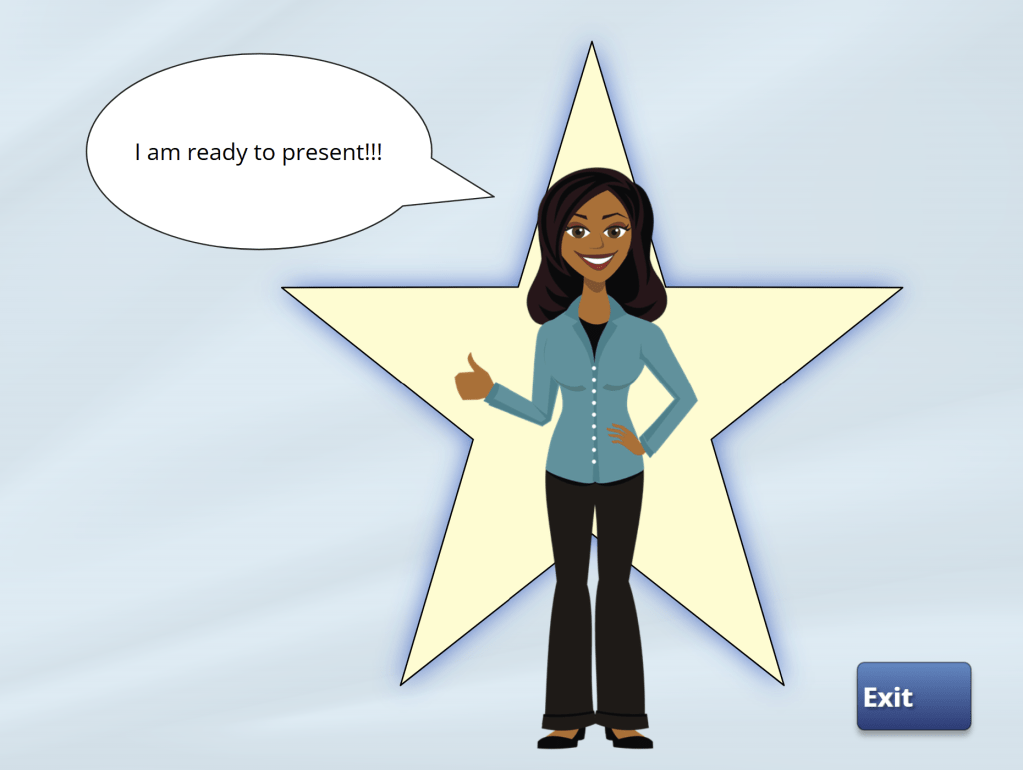
Branching allows you to arrive at a successful conclusion
 Tracy Yarchi Portfolio